WordPress maintenance sounds technical until you turn it into a short, repeatable routine. The aim is to catch small problems before a customer finds them.
A five-minute weekly check
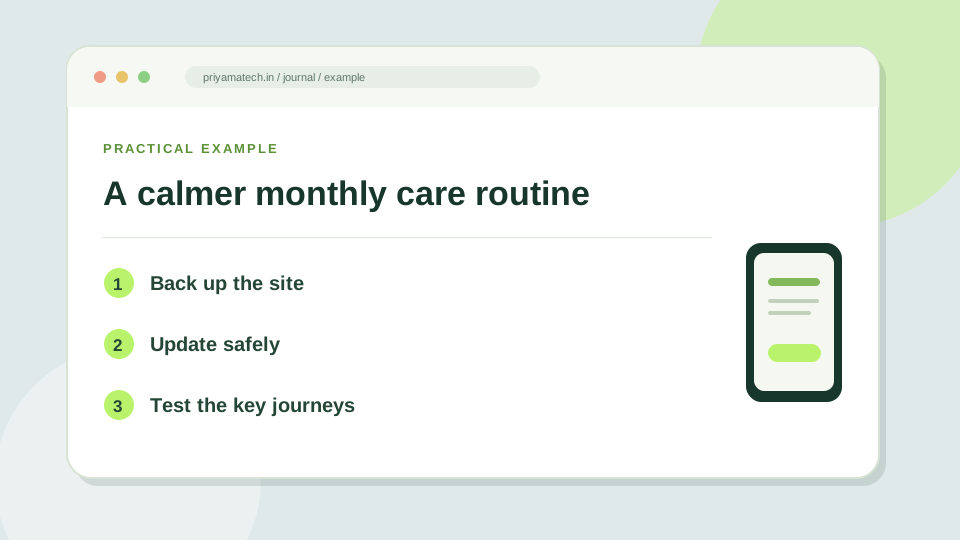
Open the site on a phone. Check the homepage, menu, contact form and one important service page. Send a test enquiry to an address you control and confirm it arrives. Review spam and form entries, especially after changing a plugin or email setting.
Back up before you update
Make sure a recent backup includes files and database and that you know how to restore it. Then review WordPress, theme and plugin updates. WordPress’s plugin guidance recommends keeping plugins current and having a backup before updates. After updating, repeat the front-door check.
Do you still need that plugin?
Every plugin should have a job. Remove tools you no longer use after checking their data and dependencies. If two plugins do the same job, decide which one owns it. A smaller, understood setup is easier to test and maintain.
Write down where things live
Keep a simple note of your hosting login owner, domain renewal date, backup location, payment provider and who receives form notifications. This is not glamorous work, but it makes the next urgent fix much less dramatic.
When an update is due
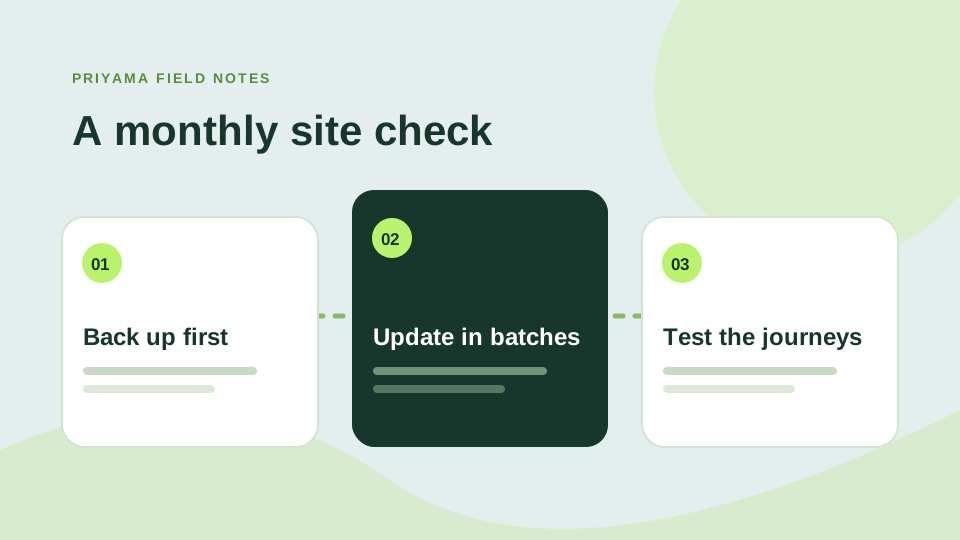
Pick a regular time to check the site. Start with a restorable backup, then look at pending plugin, theme and WordPress updates. Apply changes in manageable groups and test the pages that matter most: the homepage, contact form, checkout and any active campaign landing pages. If something looks wrong, stop and investigate before stacking more updates on top.
WordPress has a built-in view for checking the visitor experience on a phone; your maintenance routine should include that view too. A technical dashboard can say everything is fine while a small-screen form is difficult to use.
A note your future self will thank you for
Write down the date, what changed and what you tested. Include the backup location and the person responsible for restoring it. This does not need to become a spreadsheet empire. A short note makes it much easier to connect a newly reported problem to a recent change.
Once a month, remove unused plugins and review who has access. Fewer moving parts usually make the site easier to understand and maintain.
The short monthly list
- Confirm the newest backup can be restored.
- Update one group of plugins, then test key pages.
- Send a test enquiry and check where it lands.