Buying traffic before checking the destination is a little like inviting people to a shop while the sign is still being painted. The ad may be good; the page still has to finish the conversation.
Match the promise
If the ad offers a website audit, the page should explain the audit near the top. If it targets a city, tell visitors how you serve that city honestly. Keep the same language and offer from ad to page so nobody wonders if they clicked the wrong result.
Remove the small reasons to leave
Open the page on a phone. Is the headline readable? Does the main button work? Does the form ask only for information you need to reply? Test the thank-you message and the notification email. Check the privacy link and any payment terms before collecting details or money.
Google Ads describes landing page experience in terms of useful, relevant information and ease of navigation, among other factors. That aligns with common sense: visitors should be able to find what the ad promised.
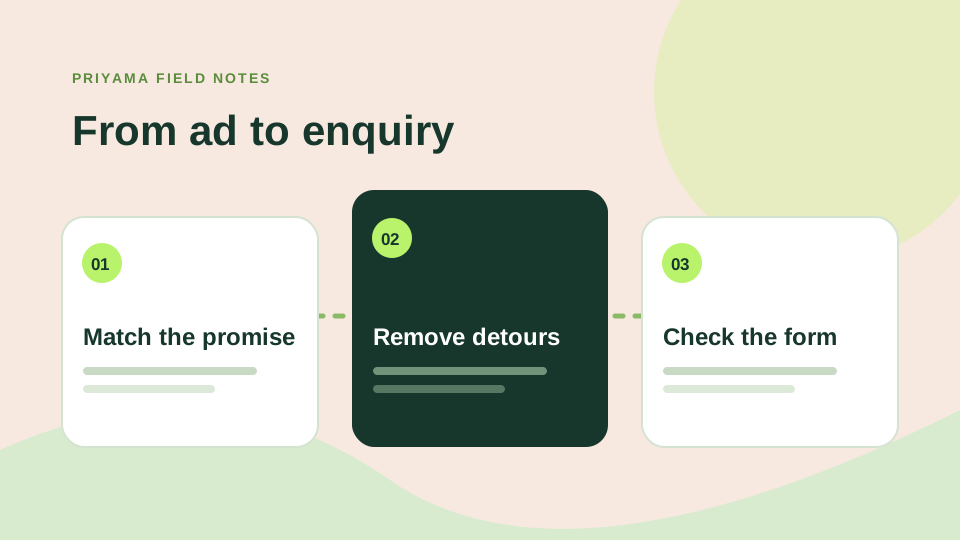
Measure the right action
Decide what counts as a lead before launching: a form submission, a booked call or a qualified WhatsApp conversation. Keep test submissions separate from real enquiries. Review not only the number of leads but whether they fit the offer.
One final check: ask someone outside the project to take the journey from ad headline to form. Their hesitation is valuable feedback, especially before the first rupee is spent.
Picture the actual click
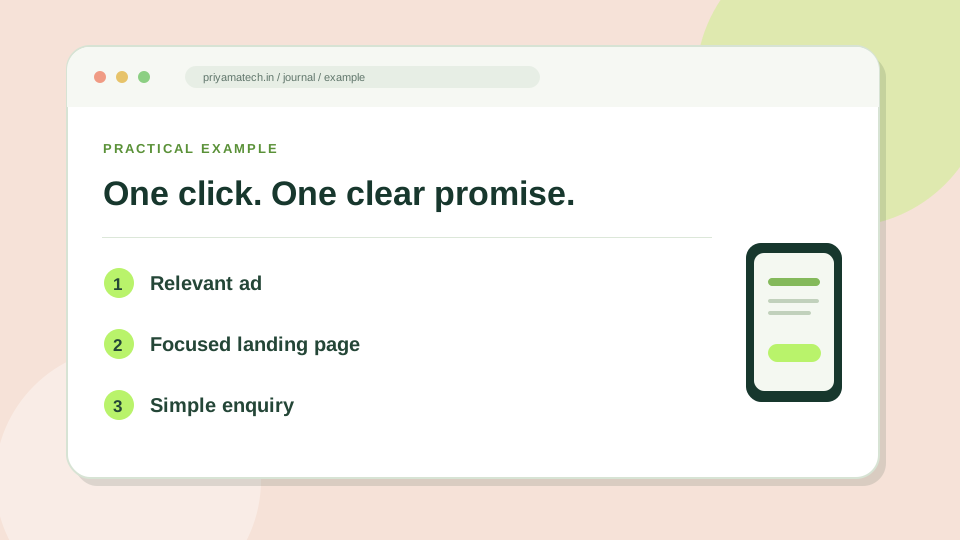
Imagine someone taps an ad for a “WordPress website redesign in Jodhpur.” The first screen should make it clear that they reached the right place. Show the service, the audience and the next step. If the page opens with a general agency slogan and makes visitors hunt for WordPress work, the ad has created a detour.
Keep the form proportional to the decision. A first conversation may need a name, work email and a sentence about the project. It rarely needs a long briefing document. For ideas on the page itself, see the service-page questions worth answering before a call.
Test the whole journey
Before the campaign starts, tap the ad preview on a phone. Read the headline, try the main button, submit a test enquiry and confirm the message arrives in the right inbox. Check the thank-you state too; it should tell the visitor what happens next. A working form that goes unnoticed by your team is still a broken lead journey.
Before the campaign goes live
- Tap the ad preview on a real phone.
- Check that the page repeats the ad’s promise.
- Submit the form and read the confirmation message.