“We need a new website” may be right. It may also be the expensive version of “our contact form is hard to find”. Before you commission a full redesign, find out what is actually broken.
Repair when the foundation is sound
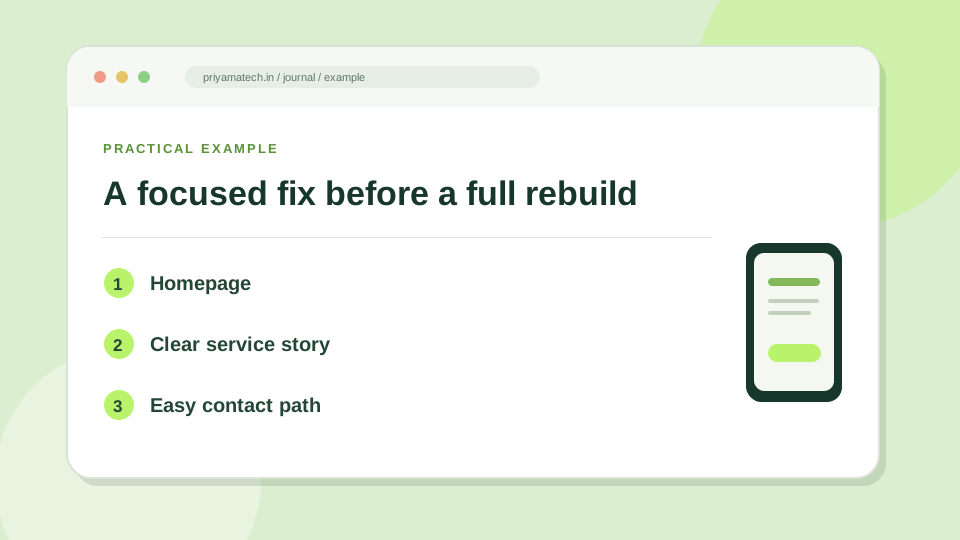
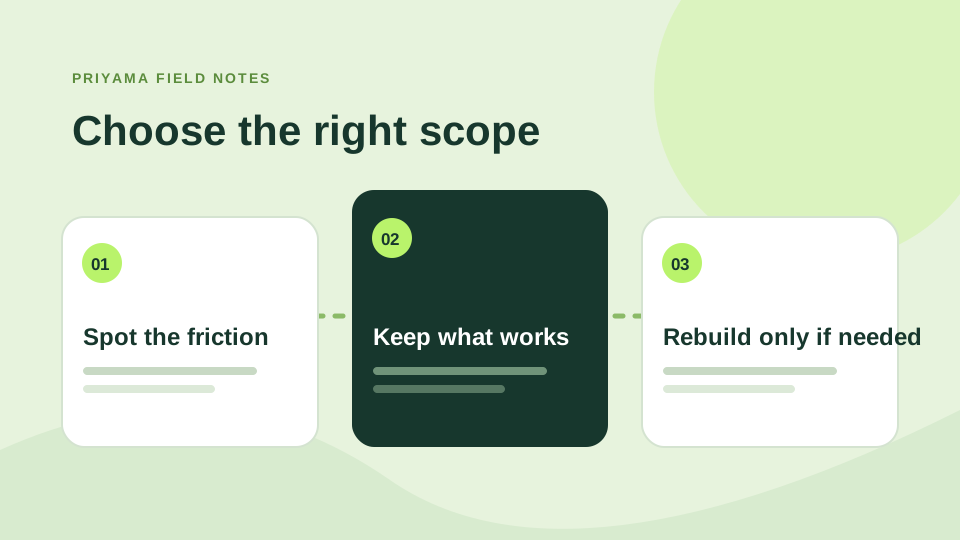
If the site is easy to manage and its structure still fits the business, start with focused changes. Rewrite a vague headline. Improve the service page. Simplify the mobile menu. Make the enquiry button more obvious. Fix a slow image. These changes can be measured without moving every page.
Redesign when the site tells the wrong story
A rebuild makes sense when the business has changed, the site cannot support new services, editing is painful, or the visual system makes every new page feel patched together. A redesign should include content, navigation, redirects and form testing, not just fresh colours.
Use evidence, not boredom
Look at common customer questions, mobile behaviour, Search Console queries and form submissions. Ask a few people to complete a simple task on the current site. If they cannot find the right service or understand the offer, you have a real problem to solve.
Before changing URLs, map the old pages to the new ones. Google notes that site moves and URL changes can affect search traffic while pages are recrawled. A calm plan protects the useful work your existing site has already done.
A ten-minute triage before the big decision
Write down the three things a visitor needs to do: understand the offer, find the right service, and make an enquiry. Try each task on a phone without using your knowledge of the site. If the problem is a buried button or an unclear sentence, you have a repair job. If every task requires explaining the navigation, a redesign is more likely to earn its keep.
Keep a short list of what already works. A popular guide, a clear contact page and a familiar URL structure are assets. Preserve them while changing the weaker parts. Our guide to a homepage with a clear next step is a good place to start.
What to ask before approving a rebuild
Ask for a page map, the new content plan, a redirect list, mobile layouts and a test plan for forms. Then agree what success looks like: fewer confused enquiries, easier editing, or a clearer path from search to contact. A fresh design is useful when it solves those problems, not simply because the old site feels old.
Before you approve a rebuild
- Try the current contact form on your phone.
- Keep a list of pages visitors already find useful.
- Ask who will map old URLs to their new homes.