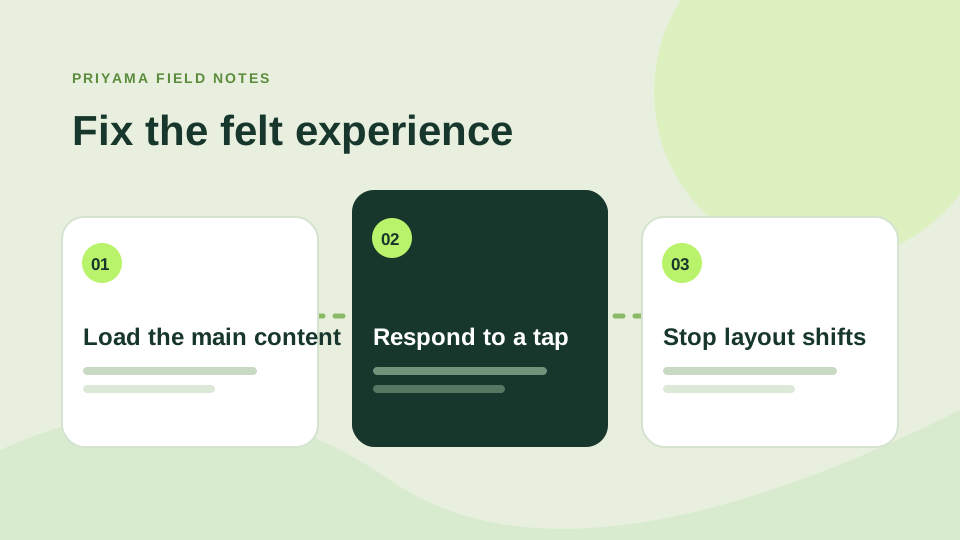
“Make the site faster” is an easy request and a surprisingly vague brief. Core Web Vitals help turn it into three things people can feel: how quickly the main content appears, how promptly the page responds, and whether the layout jumps around.
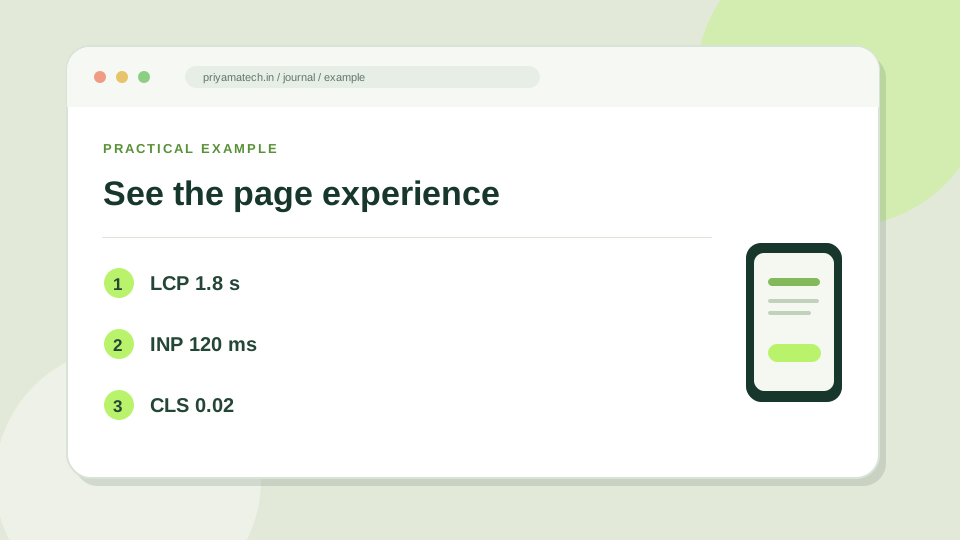
The three signals
Largest Contentful Paint (LCP) looks at when the main visible content loads. A large hero image can delay it. Interaction to Next Paint (INP) looks at responsiveness after someone clicks, taps or types. Cumulative Layout Shift (CLS) captures unexpected movement, such as a button sliding down just as a finger reaches it.
Google’s Web Vitals guide lists good field thresholds of 2.5 seconds for LCP, 200 milliseconds for INP and 0.1 for CLS, measured at the 75th percentile. Treat those as useful targets, not a reason to hide half your content.
Fix the thing a visitor notices
Start with the slowest real page, often a landing page full of images or scripts. Resize oversized images, reserve their dimensions so the page does not jump, and remove scripts that do not help the visitor. Check whether a chat widget or marketing tag delays a tap. Then measure again.
PageSpeed Insights is a diagnostic tool; your own phone and a slow connection are excellent reality checks. A score can move from run to run. The goal is a page that feels calm and immediate for people who actually use it.
Start with the slowest real page
A homepage score can look excellent while a product or campaign page struggles. Check the pages that receive traffic and enquiries. If the main image arrives late, compress it, size it correctly and avoid loading it after less important scripts. If buttons respond slowly, look at the JavaScript running before a tap can be handled. If the page jumps, give images and embeds space before they load.
Measure on a phone and on a realistic connection. Then test the actual task, not just the score. Can you read the offer and submit the form comfortably? Our mobile usability guide covers the human side of the same experience.
Use the numbers as clues
Lab scores are useful for finding likely problems, but they can vary between runs. Compare the specific metric and the visible page before and after a change. Keep notes on what you changed so that a new issue can be traced back. A faster page is valuable when it helps a person complete their journey, not merely when a badge turns green.
Check these in order
- Find the page visitors actually arrive on.
- See whether the main image or content appears late.
- Tap, scroll and watch for movement while it loads.