Local search is not a game of adding a city name to every sentence. It is about helping a nearby customer understand whether you are relevant, reachable and worth contacting.
Keep the business facts tidy
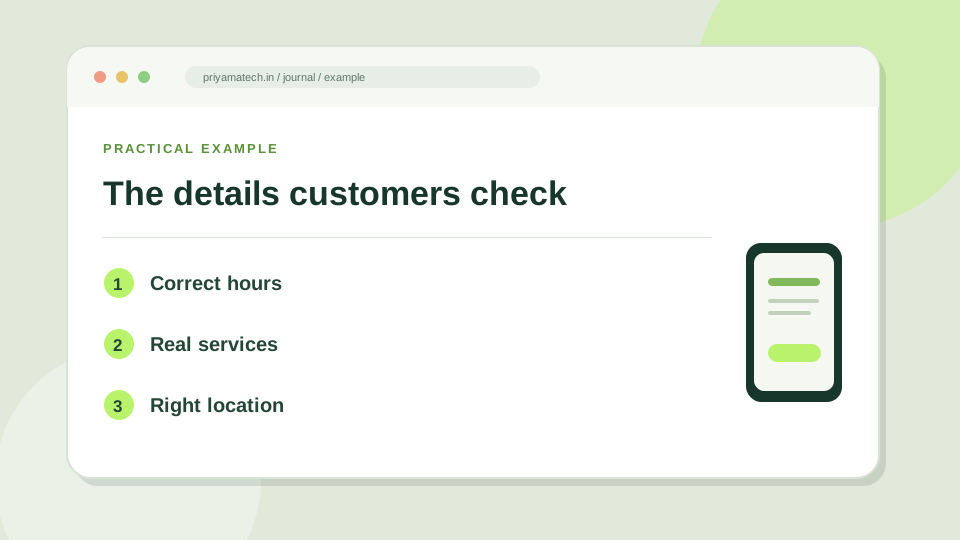
Check your Google Business Profile name, category, hours, phone number, website link and service area. Then compare those details with the contact page on your website. If opening hours change for a holiday, update them. If you move, update the address everywhere it matters.
Google says local results mainly consider relevance, distance and prominence. You cannot buy a better local position. Complete, accurate information and genuine reviews give people a clearer reason to choose you.
Write a page for the service, not a doorway page for every city
If you serve Jaipur from a Jodhpur team, say exactly that. Describe how you deliver the work remotely or on site, where appropriate. A city page should have a real reason to exist: local examples, delivery information, common questions or contact details specific to that area. Swapping “Jaipur” for “Udaipur” in identical text is not useful.
Make reviews part of service
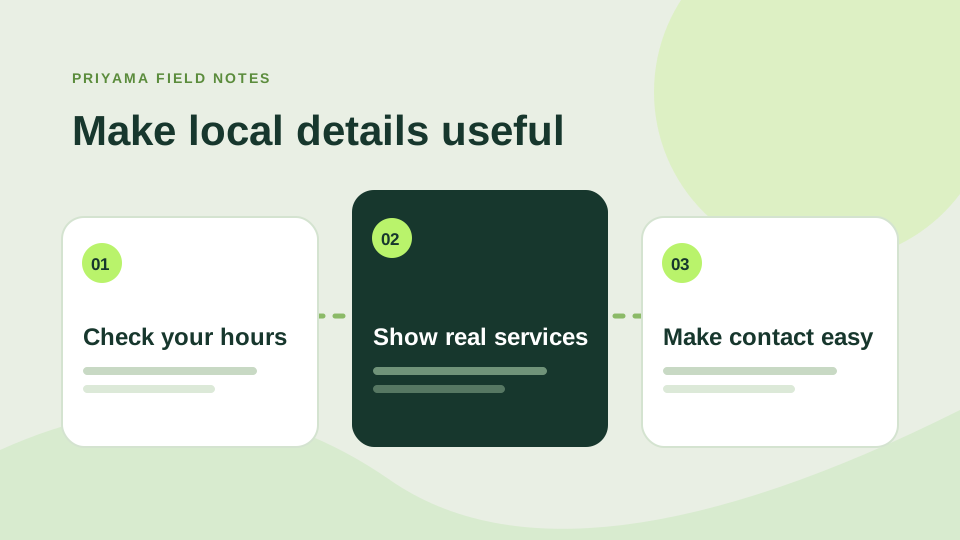
Ask clients for honest feedback after the work is complete. Reply helpfully, even when a review is mixed. The point is not a perfect row of stars; it is a record that people can inspect.
Check the details from a customer’s point of view
Search for your business name and look at the profile as someone new would. Are the opening hours current? Does the phone number work? Are the services named in plain language? If you have moved, do old directory listings still send people to the wrong address? These small inconsistencies create real friction long before anyone reaches your website.
The website should back up the same facts. Put your location and service area where a visitor can find them, and give each important service a page that answers the likely questions. Our service-page guide shows how to make that page useful.
Set a reminder to check your listing
Holiday hours, new services and temporary closures are easy to forget. Give one person responsibility for checking your profile and website details each month. Ask recent customers for honest reviews through the normal Google process, and respond to feedback with care. Keep the profile accurate; do not chase local visibility with city names where you do not actually operate.
A ten-minute profile check
- Call the number shown in your listing.
- Compare your hours with your website.
- Read your services like a new customer would.